
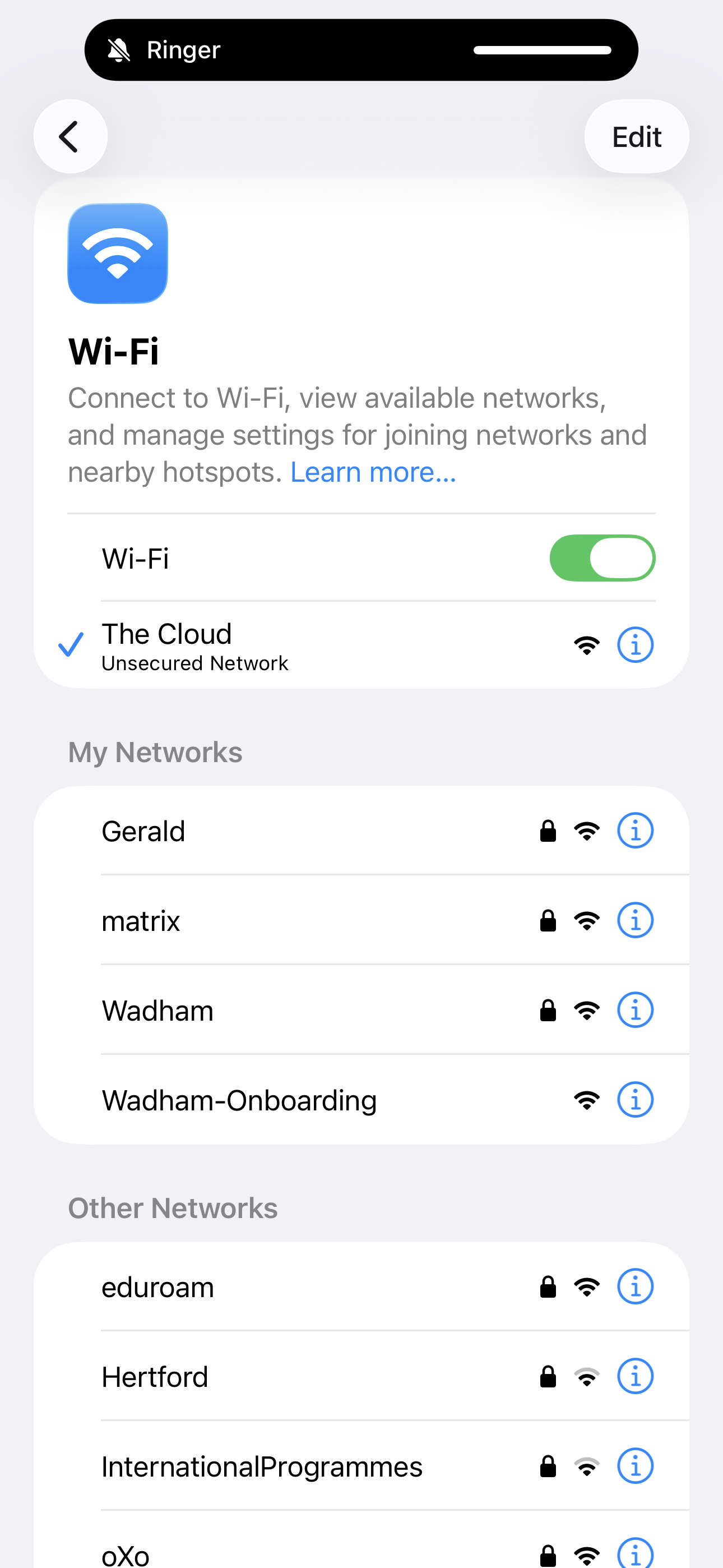
1. Connect to The Cloud Network
Open your Wi-Fi settings and connect to The Cloud network.
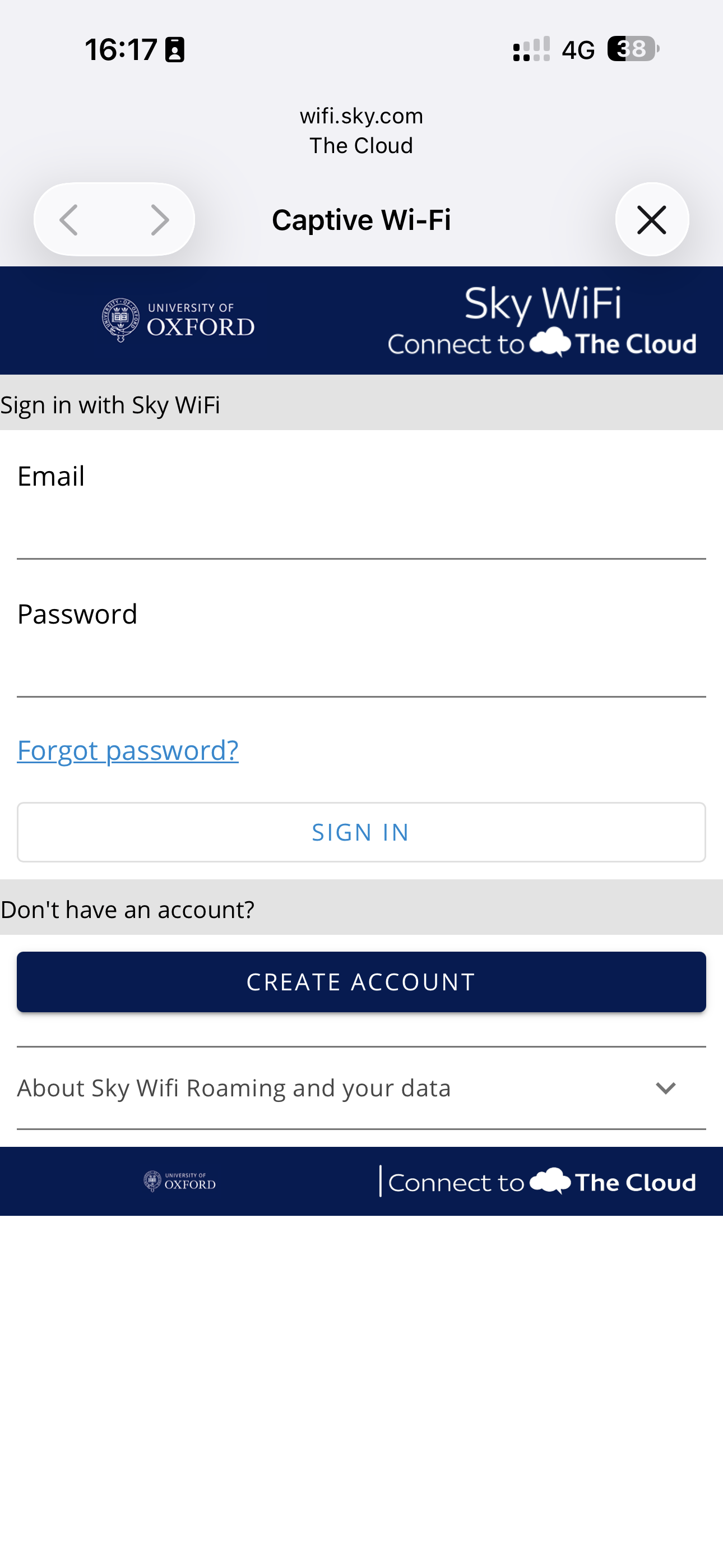
2. Create account
When the login window appears, choose "Create account".
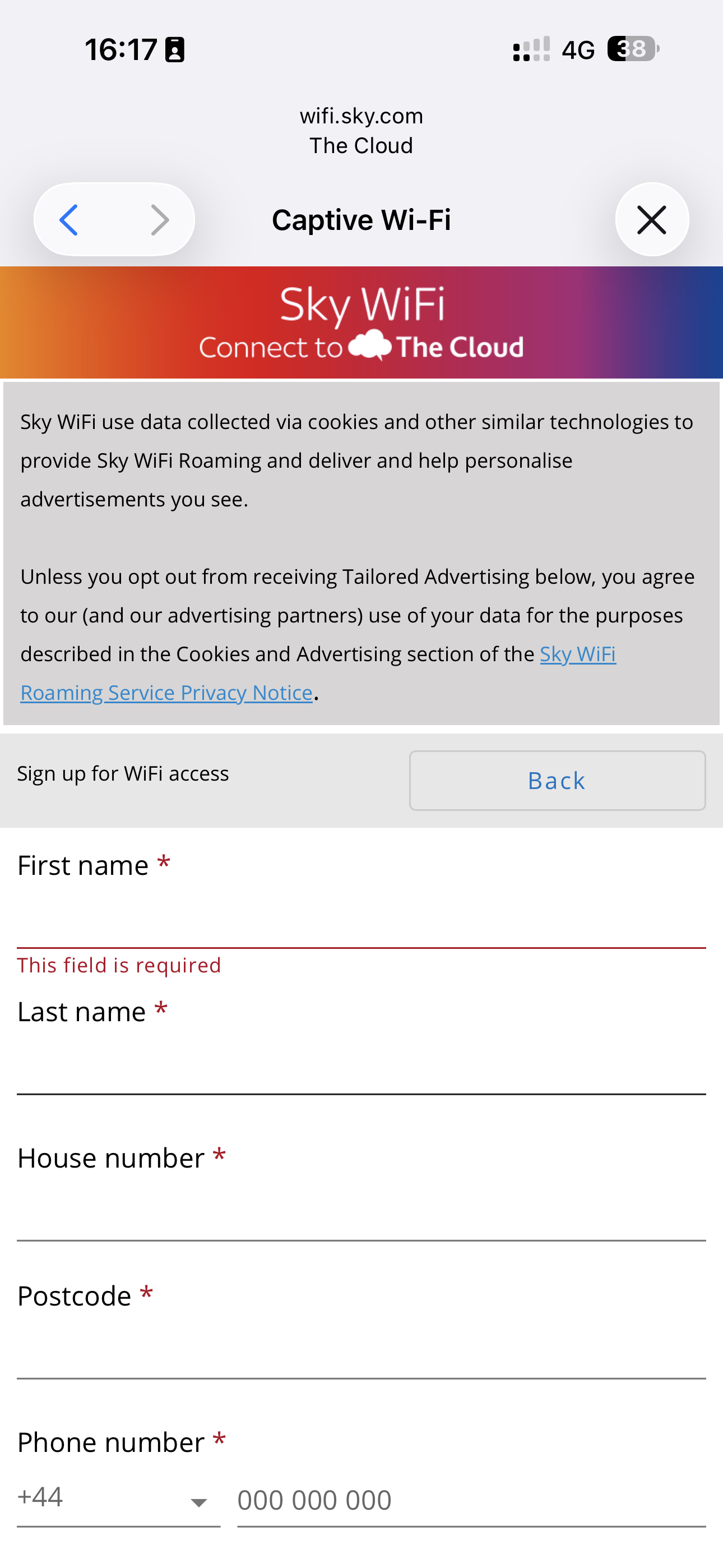
3. Fill in required information
Fill in all required details (everything with * is mandatory). Make a note of the password you have chosen.
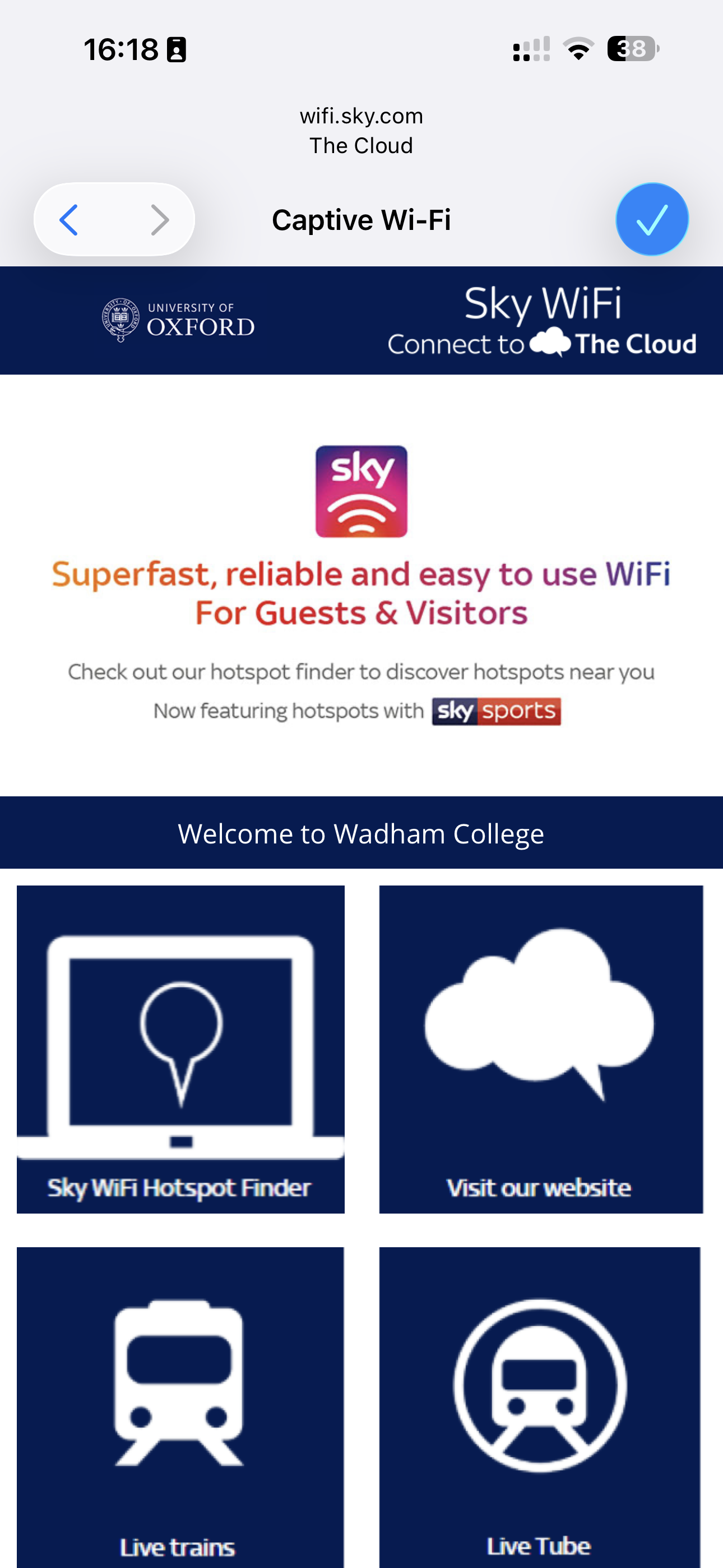
4. The Cloud Welcome screen
After authentication, the welcome screen will be displayed.
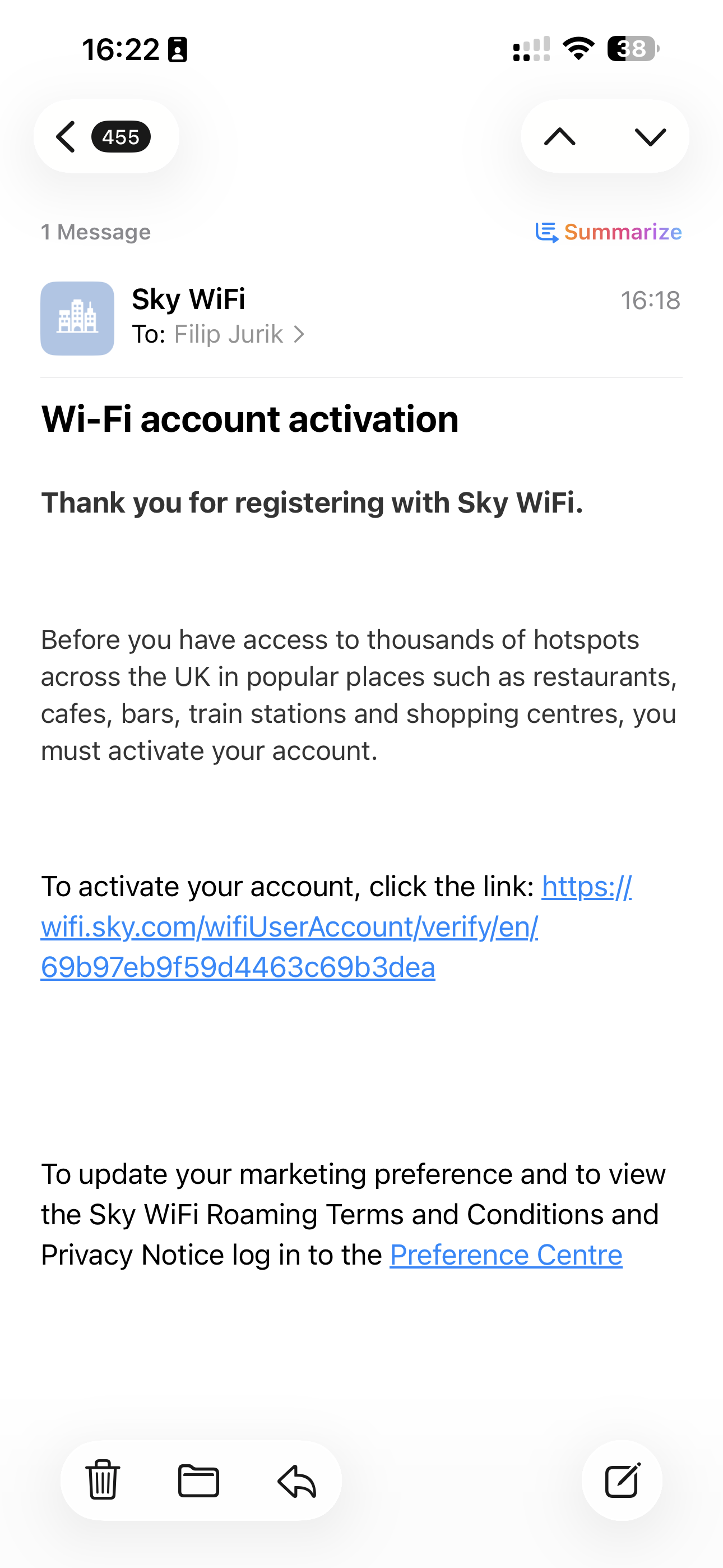
5. Confirm your email address
Click on the link in the welcome email to confirm your email address.
6. You're Connected
Your device should now be connected. Use the same password for all your devices.